Go4Lunch

An Android application designed to help coworkers coordinate their lunch plans by discovering nearby restaurants and sharing their lunch choices in real time.
The app allows users to explore restaurants on an interactive map or through a list view, view detailed restaurant information, select a lunch location, and see where their coworkers plan to eat. Built around location-based services and social interaction, Go4Lunch encourages team engagement and simplifies daily lunch decisions.

This project is developed using established Android architecture patterns, with a strong focus on MVVM separation, reactive programming, and integration with Google and Firebase services.
Project link

Features

User authentication :
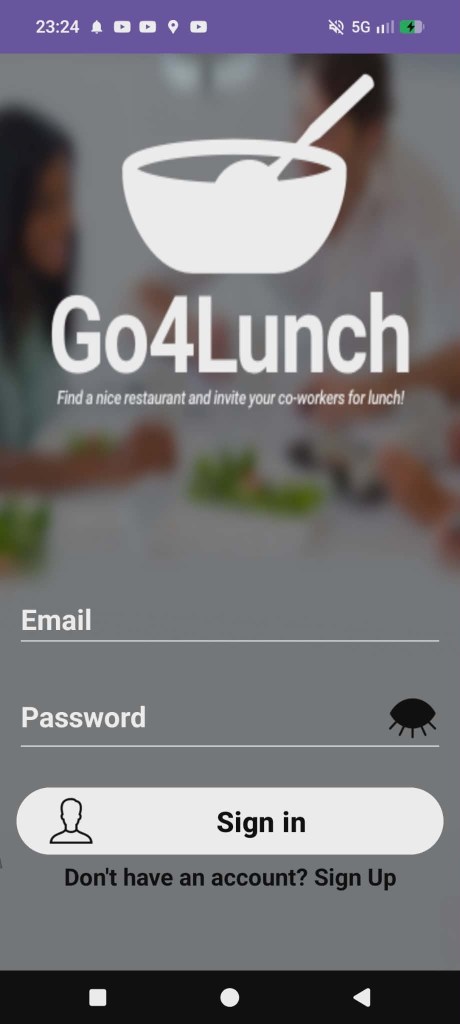
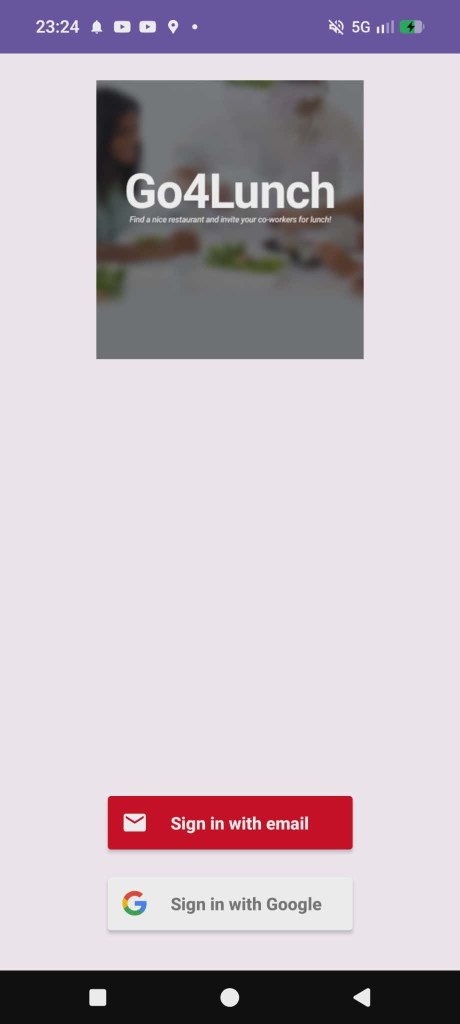
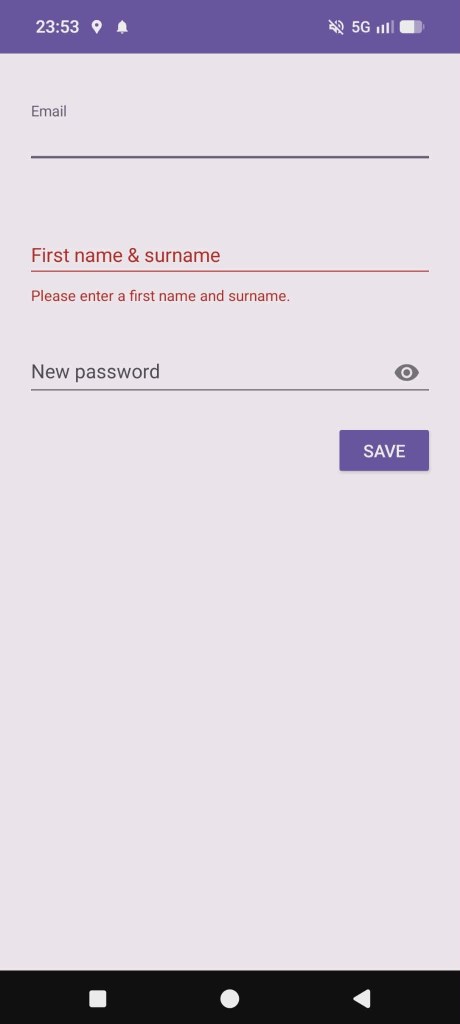
Users can create an account and sign in using email/password or Google Sign-In via Firebase Authentication.
User profiles (name, avatar) are persisted and reused across the app experience.


Nearby restaurants discovery :
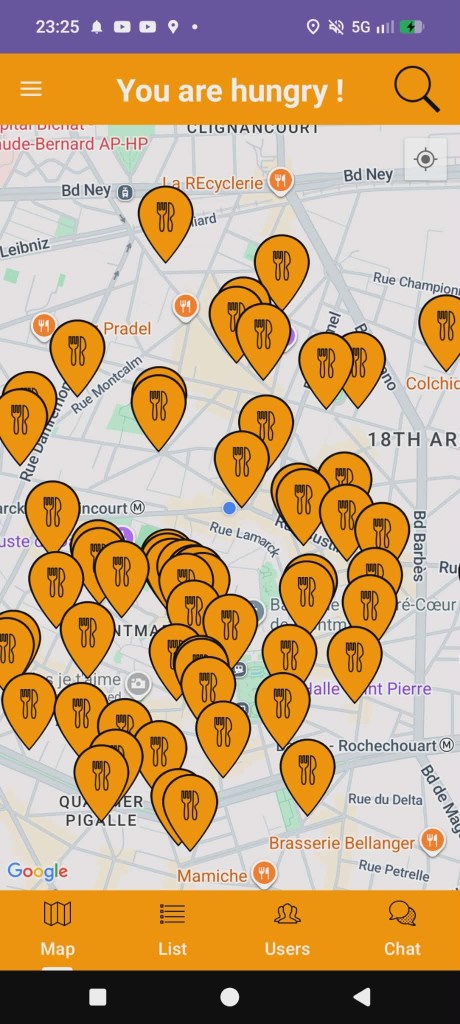
The application displays nearby restaurants using the Google Maps SDK, with interactive map markers representing available lunch spots around the user’s current location.


Restaurant list view :
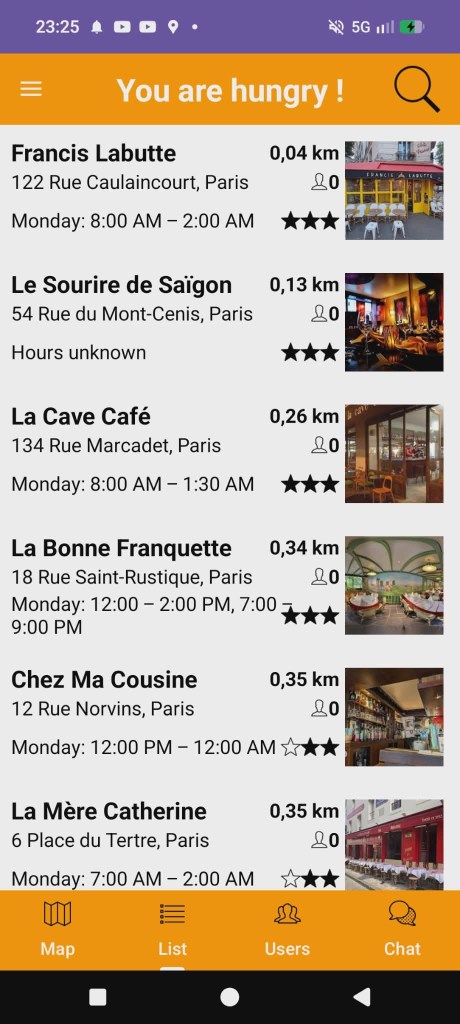
Restaurants can also be browsed through a structured list view, showing key information such as distance, opening status, and ratings, allowing quick comparison and selection.


Restaurant details :
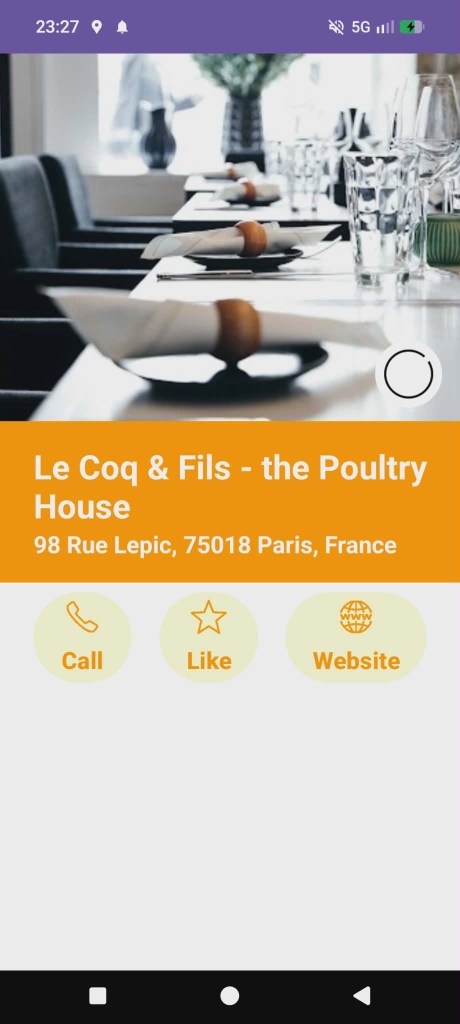
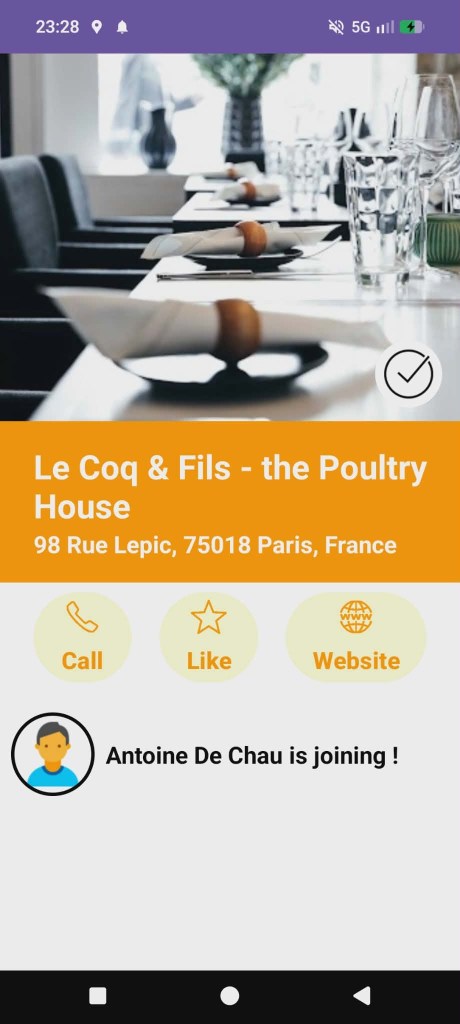
Each restaurant provides a dedicated detail screen including Name and address, Photo preview, Rating information,
Quick actions (call, website access).


Lunch selection and status :
Users can choose a restaurant for lunch.
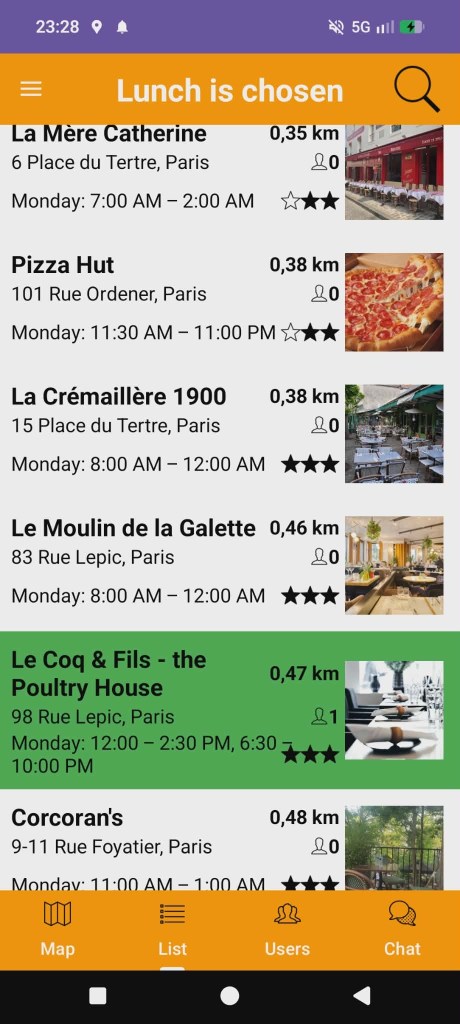
The selected lunch choice is shared across the app, enabling coworkers to see where others plan to eat.


Coworkers tracking :
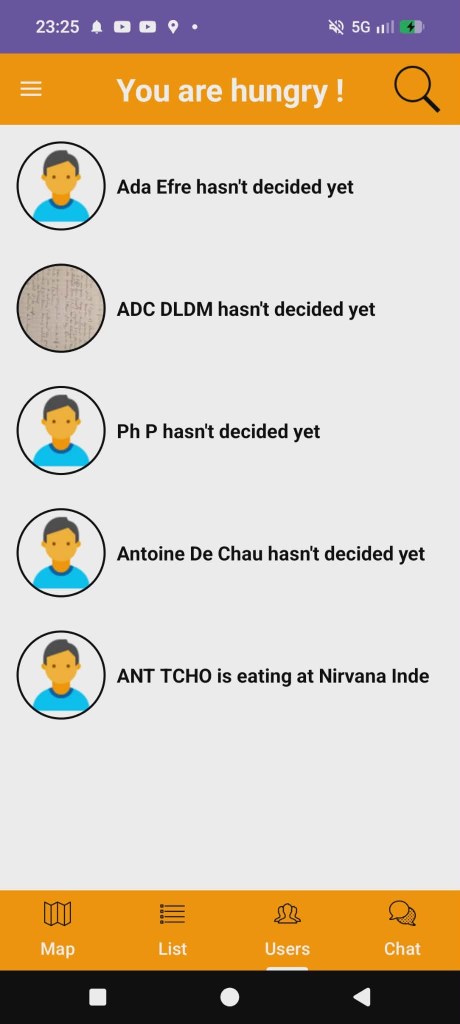
A dedicated users screen displays coworkers and their lunch status. (Selected restaurant or “Not decided yet” state).
This enables social coordination around lunch choices.


Real-time chat :
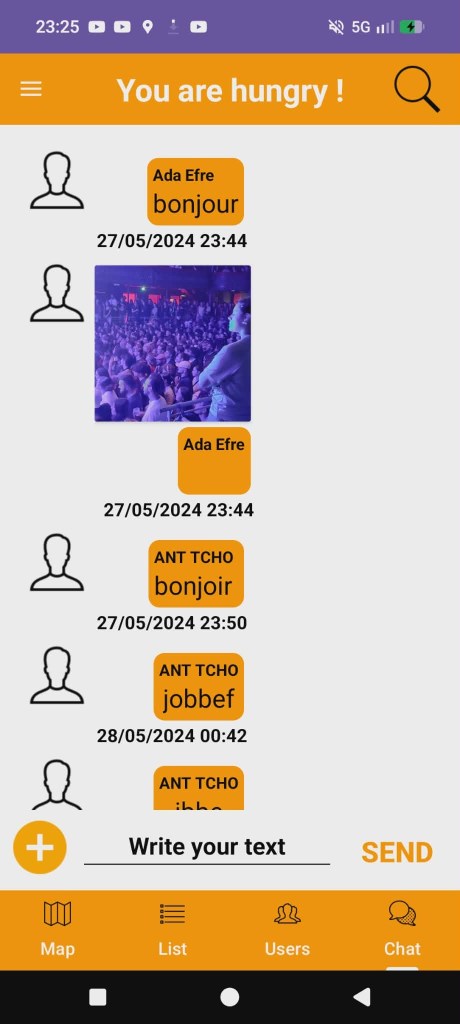
A built-in chat feature allows coworkers to exchange messages in real time, facilitating quick lunch coordination directly within the app.


Search functionality :
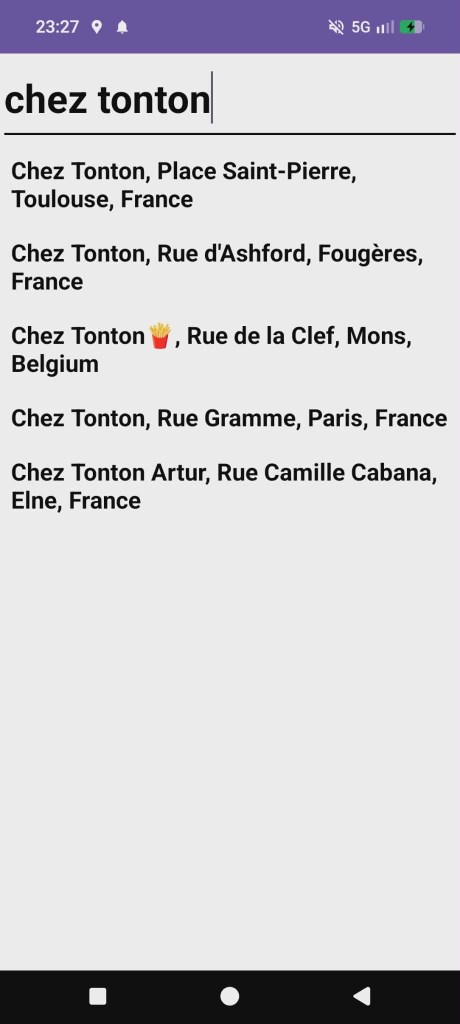
Users can search restaurants by name using an integrated search feature, making it easy to quickly find a specific place.


Notifications :
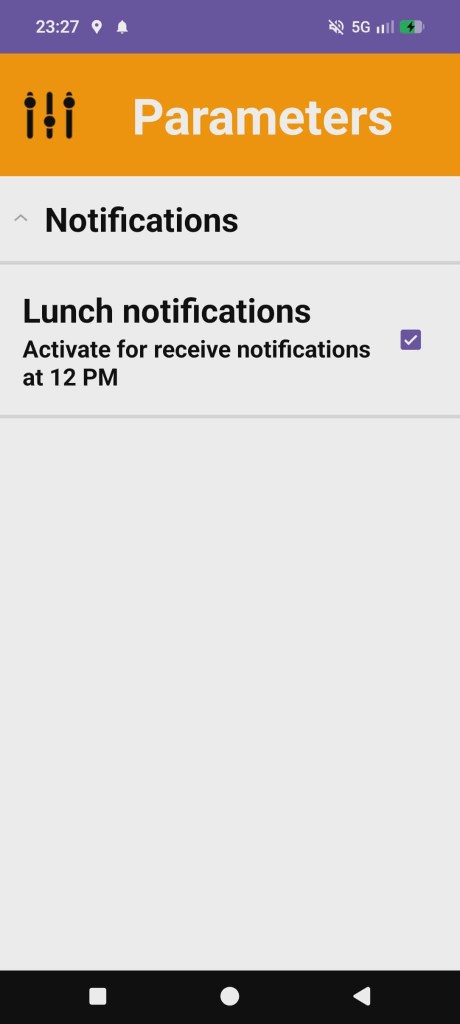
Lunch reminders and activity updates are delivered via notifications, ensuring users do not forget to choose a restaurant before lunchtime.


Settings and preferences :
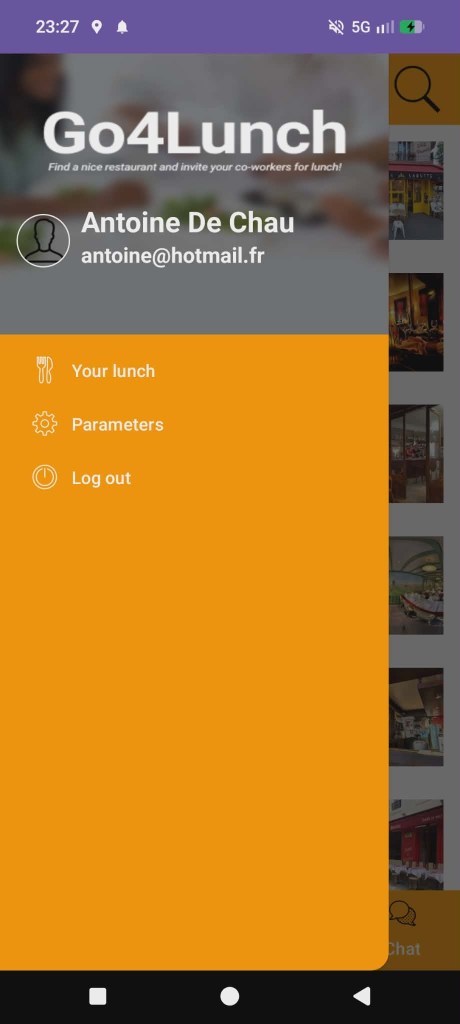
Allows users to enable or disable notifications and manage their session (logout).


Location-based experience :
The app continuously leverages the user’s location to provide relevant nearby results, ensuring a contextual and personalized experience.


Tech stack

Java :
Legacy Android application & Java 8 features enabled (compatibility 1.8)


Android views (XML) :
Classic view-based UI (pre-compose)


Material components :
Material Design UI components


ConstraintLayout :
Responsive and flexible layouts


ViewBinding :
Type-safe access to views without findViewById


Glide :
Image loading and catching


CircleImageView :
Circular avatar rending


MVVM :
Clear separation of concerns


ViewModel :
Lifecycle-aware UI logic


LiveData / reactive streams :
Observable UI updates & Integration with RxJava streams


RxJava 3 :
Reactive streams for asynchronous operations


Retrofit RxJava adapter :
Reactive API calls


WorkManager :
Background and deferred tasks (sync, notifications, etc.)


Retrofit :
Rest API client


Gson converter :
JSON seralization / deserialization


Google maps SDK :
Interactive map display


Google places API :
Nearby restaurants search & details


Google play service auth :
Google sign-in authentification


Firebase analytics :
Usage tracking and analytics


Firebase authentication :
Email/Google authentication


Firebase firestore :
Cloud noSQL database


Firebase realtime database :
Real-time data synchronization


Firebase storage :
User profile images storage


Firebase app check :
App integrity protection (SafetyNet/Play Integrity)


Secrets gradle plugin :
Secure API keys handling


ProGuard / R8 :
Code shrinking and obfuscation


WorkManager :
Reliable background execution


Junit4 :
Unit testing


Mockito :
Mocking dependancies


AndroidX core testing :
LiveData & ViewModel testing utilities


Espresso :
Ui instrumentation testing


Gradle (AGP 8.X) :
Modern Android build system


Google services plugin :
Firebase & Google APIs integration

An Android application designed to help coworkers coordinate their lunch plans by discovering nearby restaurants and sharing their lunch choices in real time.
The app allows users to explore restaurants on an interactive map or through a list view, view detailed restaurant information, select a lunch location, and see where their coworkers plan to eat. Built around location-based services and social interaction, Go4Lunch encourages team engagement and simplifies daily lunch decisions.

This project is developed using established Android architecture patterns, with a strong focus on MVVM separation, reactive programming, and integration with Google and Firebase services.
Project link

Features

User authentication :
Users can create an account and sign in using email/password or Google Sign-In via Firebase Authentication.
User profiles (name, avatar) are persisted and reused across the app experience.


Nearby restaurants discovery :
The application displays nearby restaurants using the Google Maps SDK, with interactive map markers representing available lunch spots around the user’s current location.


Restaurant list view :
Restaurants can also be browsed through a structured list view, showing key information such as distance, opening status, and ratings, allowing quick comparison and selection.


Restaurant details :
Each restaurant provides a dedicated detail screen including Name and address, Photo preview, Rating information,
Quick actions (call, website access).


Lunch selection and status :
Users can choose a restaurant for lunch.
The selected lunch choice is shared across the app, enabling coworkers to see where others plan to eat.


Coworkers tracking :
A dedicated users screen displays coworkers and their lunch status. (Selected restaurant or “Not decided yet” state).
This enables social coordination around lunch choices.


Real-time chat :
A built-in chat feature allows coworkers to exchange messages in real time, facilitating quick lunch coordination directly within the app.


Search functionality :
Users can search restaurants by name using an integrated search feature, making it easy to quickly find a specific place.


Notifications :
Lunch reminders and activity updates are delivered via notifications, ensuring users do not forget to choose a restaurant before lunchtime.


Settings and preferences :
Allows users to enable or disable notifications and manage their session (logout).


Location-based experience :
The app continuously leverages the user’s location to provide relevant nearby results, ensuring a contextual and personalized experience.


Tech stack

Java :
Legacy Android application & Java 8 features enabled (compatibility 1.8)


Android views (XML) :
Classic view-based UI (pre-compose)


Material components :
Material Design UI components


ConstraintLayout :
Responsive and flexible layouts


ViewBinding :
Type-safe access to views without findViewById


Glide :
Image loading and catching


CircleImageView :
Circular avatar rending


MVVM :
Clear separation of concerns


ViewModel :
Lifecycle-aware UI logic


LiveData / reactive streams :
Observable UI updates & Integration with RxJava streams


RxJava 3 :
Reactive streams for asynchronous operations


Retrofit RxJava adapter :
Reactive API calls


WorkManager :
Background and deferred tasks (sync, notifications, etc.)


Retrofit :
Rest API client


Gson converter :
JSON seralization / deserialization


Google maps SDK :
Interactive map display


Google places API :
Nearby restaurants search & details


Google play service auth :
Google sign-in authentification


Firebase analytics :
Usage tracking and analytics


Firebase authentication :
Email/Google authentication


Firebase firestore :
Cloud noSQL database


Firebase realtime database :
Real-time data synchronization


Firebase storage :
User profile images storage


Firebase app check :
App integrity protection (SafetyNet/Play Integrity)


Secrets gradle plugin :
Secure API keys handling


ProGuard / R8 :
Code shrinking and obfuscation


WorkManager :
Reliable background execution


Junit4 :
Unit testing


Mockito :
Mocking dependancies


AndroidX core testing :
LiveData & ViewModel testing utilities


Espresso :
Ui instrumentation testing


Gradle (AGP 8.X) :
Modern Android build system


Google services plugin :
Firebase & Google APIs integration